Deploy an aiogram 3 Telegram bot and update it safely
Package an aiogram 3 bot, configure secrets, deploy one polling receiver on Inquir Compute and test updates and recovery.
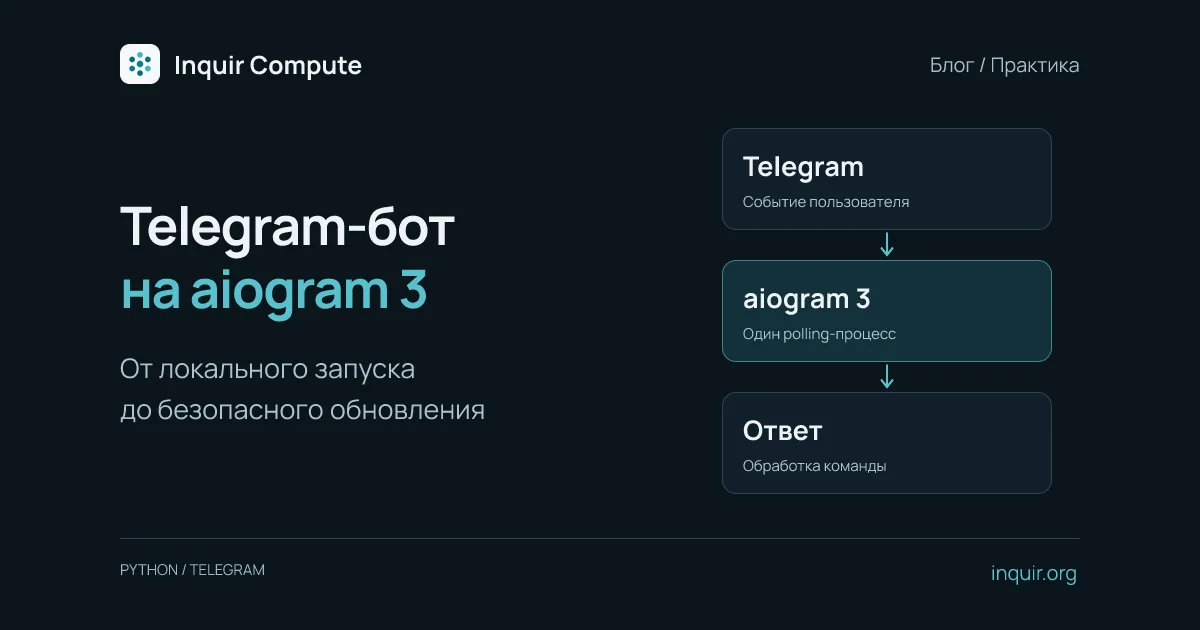
A bot works on your laptop, then disappears when you close the terminal. The next step is to run it as a persistent process and test updates, secrets and recovery—not just /start.
This guide uses aiogram 3 with long polling. The application connects to Telegram itself, so it does not need a public HTTP endpoint or an incoming webhook.
Choose polling or webhooks first
| Question | Long polling | Webhook |
|---|---|---|
| Who opens the connection? | Your bot contacts Telegram | Telegram contacts your HTTPS endpoint |
| Public HTTP endpoint required? | No | Yes |
| How many receivers? | One polling process per token | Multiple handlers with shared state and routing |
| What matters during updates? | Avoid overlapping pollers | Authenticate requests and handle duplicate delivery |
The single-poller rule applies to a token, not a whole server. A local bot and a cloud copy using the same token also conflict. See the aiogram long-polling documentation.
If a webhook is already configured, plan the switch. Do not call delete_webhook(drop_pending_updates=True) unconditionally at every startup: it can discard waiting events.
A minimal bot without a hard-coded token
Create bot.py:
import asyncio
import logging
import os

from aiogram import Bot, Dispatcher
from aiogram.filters import CommandStart
from aiogram.types import Message

dp = Dispatcher()


@dp.message(CommandStart())
async def start(message: Message):
    await message.answer("The bot is running. You can add commands.")


async def main():
    async with Bot(token=os.environ["BOT_TOKEN"]) as bot:
        webhook = await bot.get_webhook_info()
        if webhook.url:
            raise RuntimeError("Webhook is configured; plan the switch to polling first")
        await dp.start_polling(bot)


if __name__ == "__main__":
    logging.basicConfig(level=logging.INFO)
    asyncio.run(main())
For a first experiment, aiogram>=3,<4 in requirements.txt selects aiogram 3. Before production, install a tested aiogram 3 version and pin that exact version in requirements.txt. Keep the token outside source control and the container image. Rotate it if it has been exposed; deleting a Git line does not revoke a credential.
Package and deploy on Inquir Compute
Use a Dockerfile that installs dependencies during the build:
FROM python:3.12-slim
ENV PYTHONUNBUFFERED=1 PYTHONDONTWRITEBYTECODE=1
WORKDIR /app
COPY requirements.txt .
RUN pip install --no-cache-dir -r requirements.txt
RUN useradd --create-home app
COPY --chown=app:app bot.py .
USER app
CMD ["python", "bot.py"]
Add .git, .env, .venv and __pycache__ to .dockerignore.
In Inquir Compute, create an application inside a project. Add BOT_TOKEN in its variables, choose an always-running application with one replica, and build the repository with this Dockerfile or deploy an existing image. Polling needs outbound access to Telegram but no public domain.
Follow the application documentation for the release workflow. A starting repository is available in the Telegram bot example.
One replica does not prevent update overlap
Even with one desired replica, a rollout can briefly run both the old and new versions. For polling, testing a new release before stopping the old process can therefore create a conflict.
A small bot can tolerate a planned pause: stop the old polling process, verify that no local copy is running, and start the new version. For continuous intake with multiple handlers, use webhooks and external state. Adding polling replicas does not improve throughput for the same token.
Keep conversations, orders and jobs in persistent storage. Process memory disappears on restart, and the container’s temporary filesystem is not a database or a persistent volume. For operations with external effects, record the event identifier and result so a retry does not create a second order.
Verify the complete path
- Send
/startto a test bot and correlate the response with application logs. - Stop the local copy and check for
getUpdatesconflicts. - Restart the cloud process: it should recover without entering the token again.
- Test a conversation that must retain state across restarts.
- Exercise an update and a rollback on the test bot while watching for overlapping receivers.
A running process does not prove connectivity to Telegram. Monitor API errors, the last successfully processed event and response delay. Log identifiers and outcomes rather than tokens or private message contents.
For heavier work, acknowledge the request and let a separate worker prepare the result. Continue with Telegram bot hosting and idempotency for webhooks and jobs.