The container built, but the app is down: diagnose an Inquir deployment
Trace an Inquir deployment through build logs, running replicas, health checks and production promotion, with CLI commands for each step.
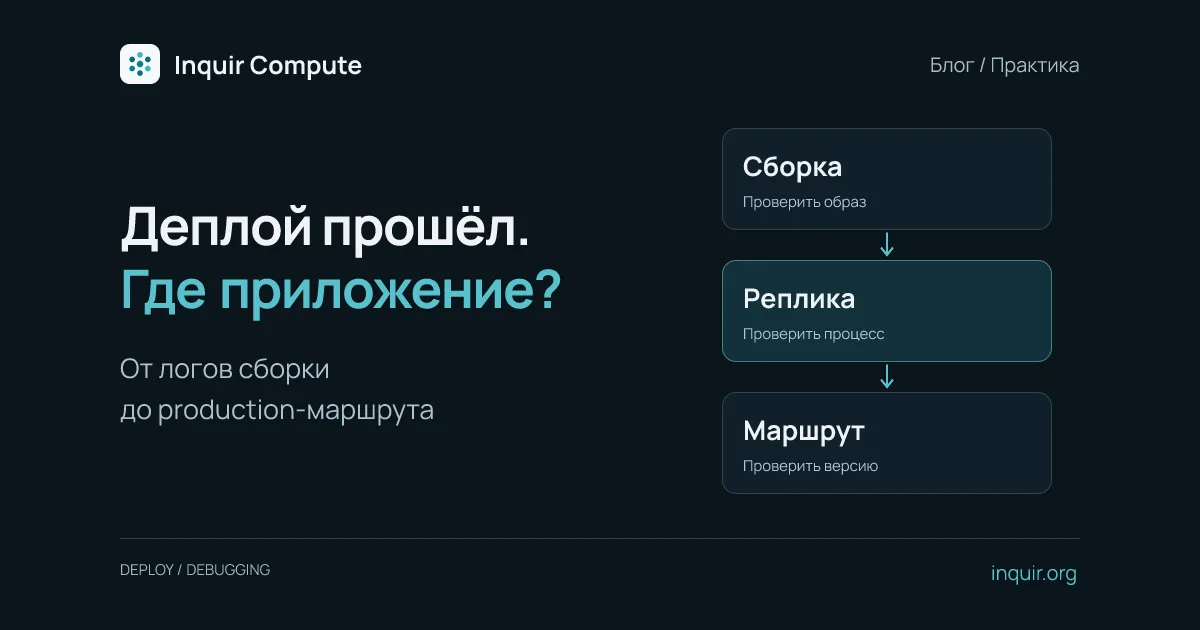
“The build is green, but the site is down” describes several different failures. An image may build while its process fails to start. A process may pass health checks while production still serves the previous release. Diagnose each stage separately with the Inquir Compute CLI.
Identify the application and release
Keep the application and deployment time fixed throughout the investigation. Replace my-api with its name or ID:
inquir apps status my-api
inquir apps describe my-api
inquir apps instances my-api
inquir apps builds my-api
status shows endpoints and releases, describe shows conditions and events, and instances shows replicas. Match identifiers: a healthy old replica does not prove the new version started. If the production release has not changed, first establish whether promotion happened.
If the build failed
Find the relevant build ID and inspect its logs:
inquir apps logs <build-id> --no-follow --tail 200
Read the first meaningful failure rather than only the final message. Common causes include a missing lockfile for npm ci, incorrect COPY paths, filename case differences and installing only production dependencies before a build step that needs devDependencies.
Do not commit private-registry credentials as Dockerfile ENV values. Separate build-time data from runtime configuration and use a supported builder-secret mechanism. See Docker build secrets.
If the image exists but the process does not respond
inquir apps logs my-api --no-follow --tail 200
Check the start command, required variables, installed runtime and filesystem permissions. Match the actual listening port to the configured application port. An HTTP process usually needs to bind to 0.0.0.0, not container-local 127.0.0.1.
For a running production Node.js container, inspect the runtime:
inquir apps exec my-api -- node --version
This is a Node.js example, not a command every image supports. exec targets production; it cannot inspect a preview replica that never started. Avoid dumping the whole environment because it may contain credentials.
If health checks pass but requests fail
Test the actual dependency path. /healthz may return ok without querying a database. Use a safe request that exercises the required dependency and correlate it with logs by timestamp or request ID.
For browser-only failures, inspect the API URL, CORS, cookies and network response. After frontend updates, check whether the server returns HTML for a missing JavaScript asset. A successful static-file request says nothing about database health.
Verify promotion and rollback boundaries
When the intended release is healthy and tested, promote that release:
inquir apps promote <release-id>
inquir apps status my-api
Then check a public endpoint for a version-specific response or build identifier. A successful promotion command alone does not establish the user-facing result.
If the release regresses, inquir apps rollback my-api returns to the previous application release. It does not reverse database migrations, sent emails or external API writes. Confirm the old code remains compatible with current data first.
Record the incident time, build and release IDs, a few sanitized error lines and the request result. That is more useful than a generic screenshot of a failure. See the application docs and CLI reference.