Health checks and SIGTERM: prepare an API for deployments
Separate process health from application readiness, handle SIGTERM without dropping routine requests, and verify a release on Inquir Compute.
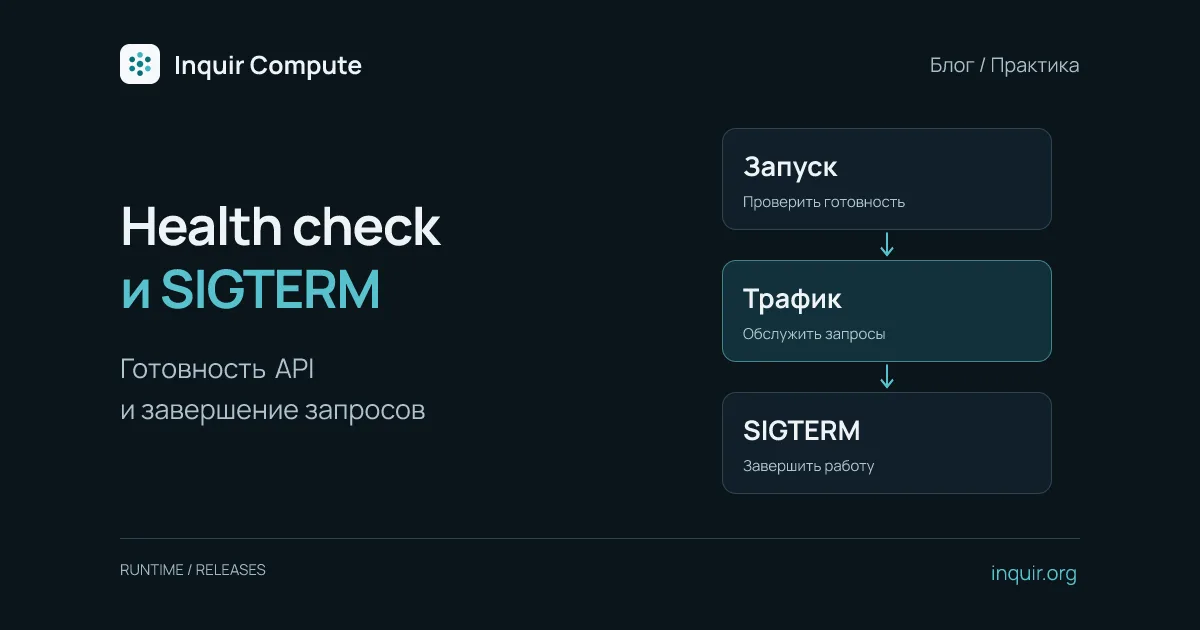
A green container status does not necessarily mean a customer can complete an order. The HTTP process may be running before required configuration has loaded or while a database is unavailable. During an update, the opposite boundary matters: a useful process receives a termination signal while requests are still in flight.
Design startup and shutdown together. This guide builds a small Node.js API, then configures its health path and termination grace period in Inquir Compute. It does not promise that every connection survives an update. Long-lived connections, database changes and available deployment capacity need separate treatment.
Distinguish a live process from a ready application
A process check asks whether the server can answer an HTTP request. Readiness asks whether this version can serve useful traffic now. Do not report readiness before mandatory initialization finishes.
Avoid checking every third-party service on every probe. Losing an optional recommendation service should not necessarily take the entire API out of service. Bound checks for required dependencies with timeouts, and account for the load generated by the probes themselves. Express documents the general health-check and shutdown concepts; platform-specific checks still need explicit configuration.
A minimal server that finishes requests
Save this as server.mjs. It uses Node’s standard library and requires no npm packages:
import http from 'node:http';

let stopping = false;
const server = http.createServer((req, res) => {
  if (req.url === '/readyz') {
    res.writeHead(stopping ? 503 : 200);
    return res.end(stopping ? 'stopping' : 'ready');
  }
  if (stopping) {
    res.writeHead(503, { Connection: 'close' });
    return res.end('retry later');
  }
  res.writeHead(200, { 'Content-Type': 'application/json' });
  res.end(JSON.stringify({ version: 'v1' }));
});

server.listen(3000, '0.0.0.0');
process.on('SIGTERM', () => {
  if (stopping) return;
  stopping = true;
  const deadline = setTimeout(() => process.exit(1), 25_000);
  deadline.unref();
  server.close(() => {
    clearTimeout(deadline);
    process.exit(0);
  });
});
There is no database in this example, so readiness means HTTP-process readiness only. A real API should complete required initialization before accepting useful traffic and close its connection pool after requests finish. Do not copy process.exit(0) ahead of resource cleanup: it would prevent unfinished operations from completing.
The internal deadline is 25 seconds. That is an example application setting, not a platform HTTP timeout. If work can run for several minutes, a durable background task with a returned job identifier is often easier to manage. WebSockets require explicit shutdown and client reconnection logic; server.close() does not manage the entire lifetime of every upgraded connection.
Package the server and configure Inquir
FROM node:22-bookworm-slim
WORKDIR /app
COPY --chown=node:node server.mjs ./
USER node
EXPOSE 3000
CMD ["node", "server.mjs"]
After authenticating the CLI, create a separate test application:
inquir apps create readiness-demo --ingress public --port 3000 --health-path /readyz --drain-grace 30
inquir apps deploy readiness-demo --promote
inquir apps status readiness-demo
The example grants the process 30 seconds after SIGTERM; its own deadline is five seconds shorter. That margin gives it a chance to exit on its own. The CLI accepts whole-number --drain-grace values from 0 through 3600 seconds. This setting controls old-container shutdown time. It does not guarantee spare capacity for an additional replica during an update.
Exercise the transition between releases
Request /readyz and / using the address reported by status. Change the response version to v2, deploy again, and confirm that the public route serves it. During the test, send several requests per second and record status codes, latency and connection failures. One successful request is not evidence that the entire transition was clean.
In a test environment, also try an unhealthy candidate by making /readyz return 503. Observe whether that version becomes a serving production release. Keep the previous release identifier and inspect current state; do not blindly repeat promotion after a CLI timeout. A timeout in the observing client does not itself describe the final server-side outcome.
Read logs with inquir apps logs readiness-demo --no-follow --tail 100. The applications guide covers releases, while the deployment troubleshooting article separates startup, port and routing failures. An application rollback does not reverse a database migration or restore deleted files. Treat those changes as independent parts of the release plan.