Deploy a Node.js Express API on Inquir Compute
Deploy Express on Inquir Compute with a Dockerfile, configure its port and health check, verify HTTP responses and roll back a release.
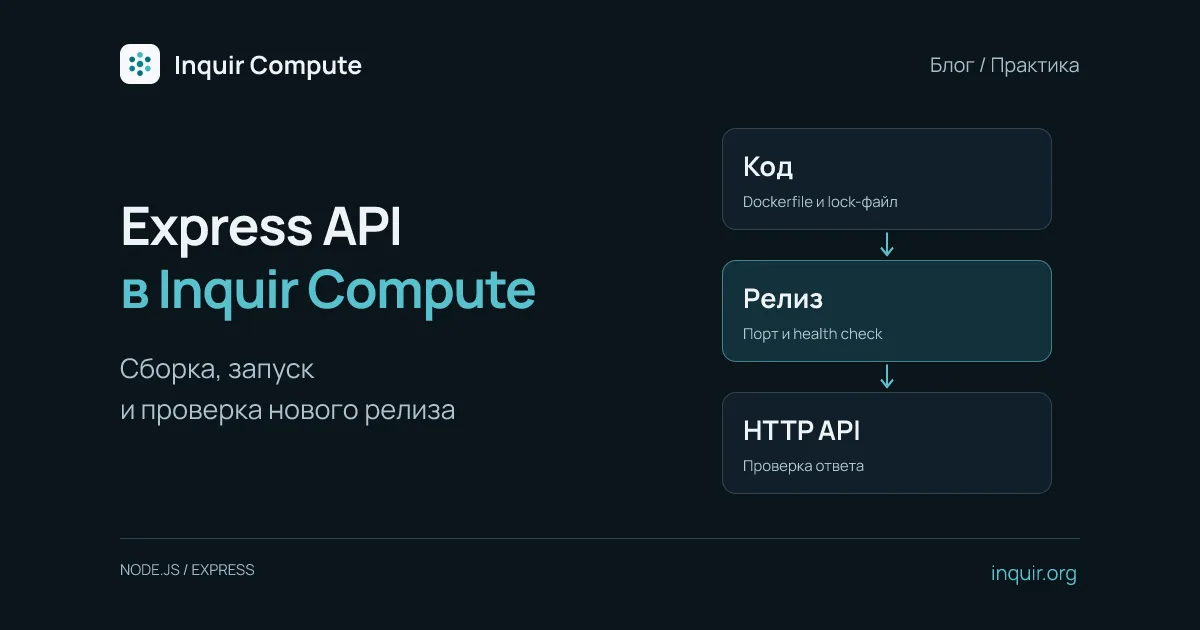
An Express API can work locally and fail in the cloud because its port differs, a dependency exists only on your laptop or a secret was baked into the image. This walkthrough packages a small API, deploys it on Inquir Compute and verifies an update.
Make the build reproducible
Create an ES-module project and install Express. Commit both package.json and the generated package-lock.json:
npm init -y
npm pkg set type=module
npm install express
Create server.js. Its health endpoint proves the HTTP process responds; it does not test a future database or external API.
import express from 'express';

const app = express();
app.get('/healthz', (_req, res) => res.send('ok'));
app.get('/api/hello', (_req, res) => {
  res.json({ message: 'Hello from Inquir Compute' });
});

const server = app.listen(Number(process.env.PORT || 3000), '0.0.0.0');
process.on('SIGTERM', () => {
  server.close(() => process.exit(0));
  setTimeout(() => process.exit(1), 25_000).unref();
});
On SIGTERM, the server stops accepting connections and allows current requests to finish. The 25-second deadline is an application choice, not a platform guarantee. Close database pools and other resources when you add them. See Express health checks and graceful shutdown.
Add a Dockerfile
FROM node:22-bookworm-slim
WORKDIR /app
ENV NODE_ENV=production
COPY package.json package-lock.json ./
RUN npm ci --omit=dev
COPY --chown=node:node server.js .
USER node
EXPOSE 3000
CMD ["node", "server.js"]
npm ci follows the lockfile. For stricter reproducibility, pin the base-image digest and update it deliberately. Exclude .env, .git and node_modules through .dockerignore. Configure secrets as application variables.
Deploy on Inquir Compute
Install and authenticate the CLI using the CLI guide. Run these commands from the Dockerfile directory:
inquir apps create express-demo --ingress public --port 3000 --health-path /healthz --drain-grace 30
inquir apps deploy express-demo --promote
inquir apps status express-demo
Create the application once. deploy builds the current directory; --promote requests production promotion once the release is healthy. Read the actual public URL from status rather than guessing a domain from the app name.
Open /healthz and /api/hello on that URL, then inspect logs:
inquir apps logs express-demo --no-follow --tail 100
If the build succeeds but HTTP fails, check port 3000, the 0.0.0.0 binding and the start command. Dockerfile EXPOSE neither starts a server nor changes its listening port.
Verify a second release
Change the response text, run inquir apps deploy express-demo --promote again and confirm the public endpoint serves the new text. To return to the previous application release:
inquir apps rollback express-demo
An application rollback does not restore database contents. When adding PostgreSQL, keep schema changes compatible with both application versions during the rollout. Continue with the application docs and the more complete node-api example.