Where application uploads belong: volumes, S3 and Inquir deployment
Choose persistent volumes or object storage, avoid losing uploads during container replacement, and verify file access and recovery on Inquir.
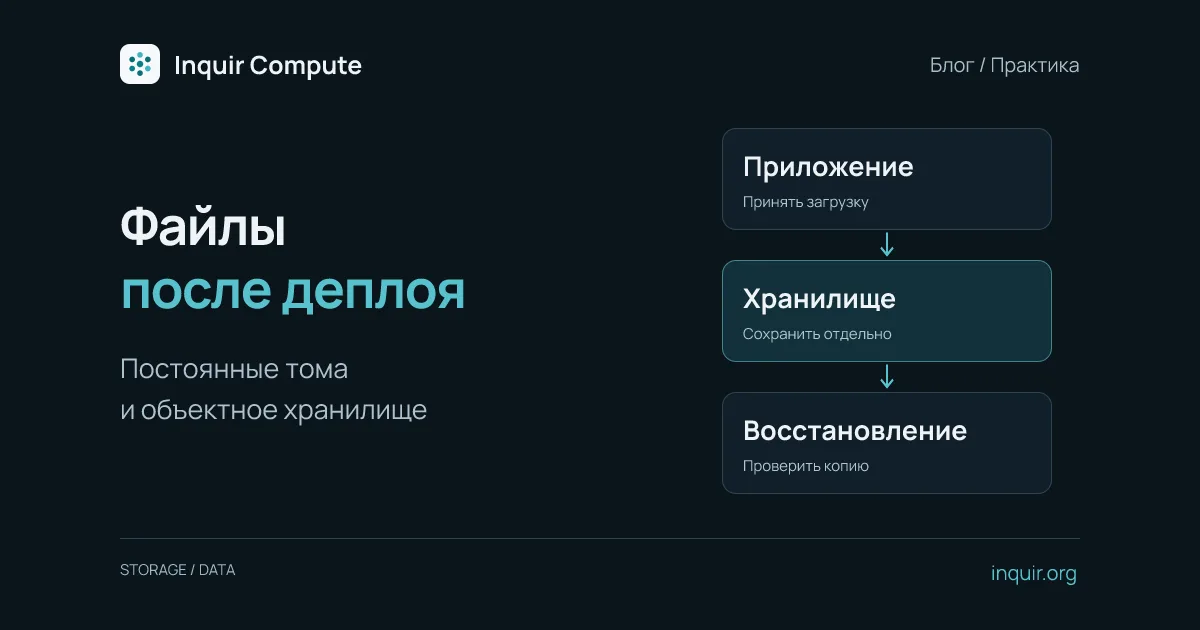
A user uploads a document, the API reports success, and the download link breaks after the next deployment. This often happens when an application writes into its own directory and treats the current container’s filesystem as permanent storage.
Before the first production release, decide which files can be regenerated, which must survive replacement, and who may access them. For a small service, persistent volumes and S3-compatible object storage are common choices. They solve different problems and impose different constraints on deployment and scaling.
Separate three classes of files
Build assets such as JavaScript, CSS and templates belong in the image and change with the release. Temporary data, such as an intermediate archive, can live in a working directory if the operation can be repeated after losing the file. User documents and irreplaceable results need an independent lifecycle.
A process restart is not a sufficient persistence test. Replace the container with a new release. Also distinguish survival across replacement from protection against deletion, corruption or machine loss. Those require backup and restoration arrangements of their own.
When a persistent volume fits
A volume is convenient when software expects ordinary filesystem operations: paths like /data/uploads/report.pdf, directory creation and normal file reads. Docker’s volume documentation explains the general lifecycle separation; host-level Docker commands should not be copied literally into an Inquir workflow.
In Inquir’s standard mode, an application with a writable volume runs one replica. Stateful mode is a separate capability with per-replica volumes, not a shared uploads directory. If several API instances need the same documents, choose storage accessible to those instances before scaling.
Confirm that the process user can write to the mount. A Dockerfile’s COPY --chown does not guarantee ownership of data on an attached volume. For EACCES, inspect the actual UID, GID and directory permissions rather than applying an unconditional chmod 777.
Attach a volume on Inquir
Assume your application already reads its upload path from UPLOAD_DIR, listens on port 3000, and serves /healthz. After setting up the CLI, create it with a volume:
inquir apps create uploads-api --ingress public --port 3000 --health-path /healthz --volume uploads:/data --set UPLOAD_DIR=/data/uploads
inquir apps deploy uploads-api --promote
inquir apps status uploads-api
This configures existing application code; it is not an upload-handler implementation. Setting UPLOAD_DIR does not create an HTTP endpoint. The application must create its subdirectory when permitted, enforce an upload-size limit and validate the accepted data.
The volume name and mount path are separate: uploads is the name and /data is its mount point. Do not mount over all of /app, because that can hide application files shipped in the image. Retain the same volume configuration for subsequent releases. Inspect the application’s Volumes section and the applications documentation when checking storage configuration.
When object storage is a better fit
Object storage can simplify multiple API instances, large uploads and document lifecycles independent of application releases. Keep the object key, owner, size, checksum and processing status in the database; transfer the bytes through the selected provider’s SDK.
Do not treat a submitted filename as a trusted filesystem path. Generate an object key, such as a UUID, and keep the original filename as metadata. Authorize every download. If using signed links, their expiration limits link access but does not replace authorization when issuing them.
For direct browser uploads, use a two-stage application flow: issue upload permission, then verify the resulting object’s existence, size and acceptable type before marking it ready. Untrusted HTML and SVG should not be served from the application UI’s origin without a separate security policy. Review the selected provider’s operation limits and billing; this guide makes no general promise of free traffic.
Account for partial failures too. An object can be written before a database transaction fails, or a metadata record can exist while the upload is incomplete. Use explicit states and a cleanup procedure for abandoned objects. Do not equate a client saying “upload complete” with a verified server-side result.
Test recovery as well as upload
Upload a small test file, record its checksum, deploy another release and download it again. Verify that changing a document identifier does not grant another user access, and that an interrupted upload does not leave a document marked ready.
Restore a backup into an isolated environment as a separate exercise. If metadata lives in PostgreSQL and bytes live elsewhere, recovery needs coordination: a restored database should not point at a large set of missing objects. Define an acceptable window of lost changes and measure restoration time with representative data.
A single-instance service may be well served by a volume. Multiple instances, growing data and independent file delivery are reasons to revisit that choice before scaling, rather than after the first lost upload.