Connect an application to private PostgreSQL on Inquir
Create PostgreSQL in an Inquir project, connect your app with DATABASE_URL, size its pool and distinguish persistent storage from backups.
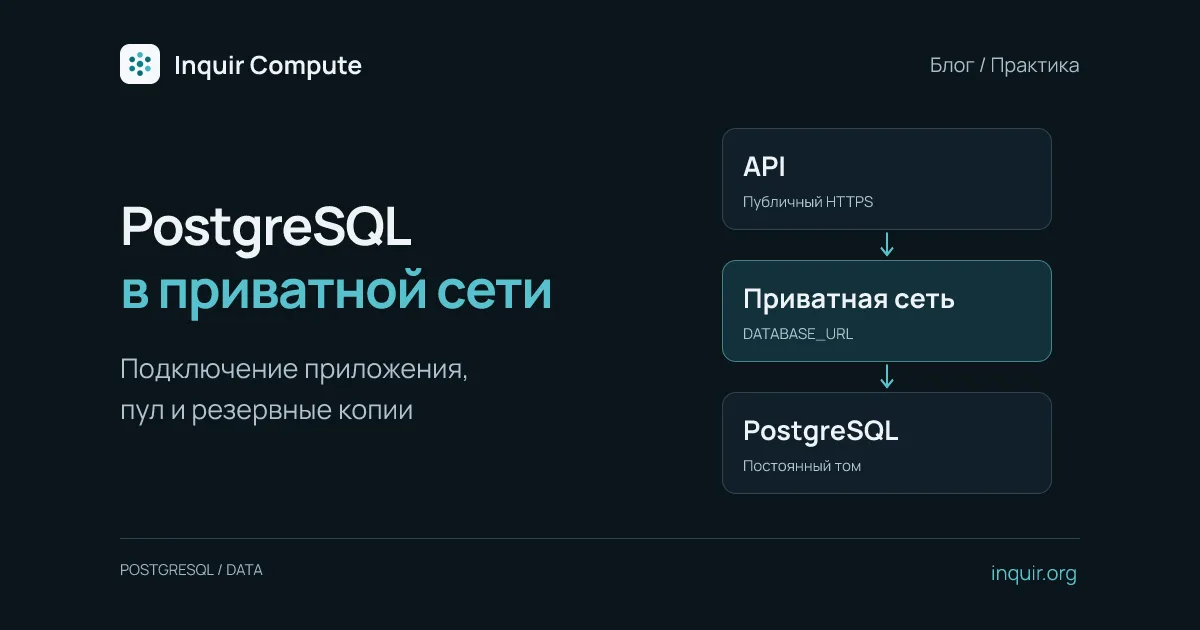
A public API does not require a public database. Your application can accept HTTPS while PostgreSQL remains reachable through the project’s private network. That reduces exposure, but passwords, database roles and backups still matter.
Create the database beside the application
Assume my-api already exists. Find its project in the console. After configuring the CLI, replace <project> with that project’s ID, slug or unique name:
inquir apps create my-db --template postgres --project <project>
inquir apps status my-db
inquir apps connect my-db my-api
The PostgreSQL template creates a database application with a persistent volume and generated password. connect adds DATABASE_URL to the application. If the private address is not verified yet, wait for the database and retry rather than making it public to bypass the wait.
Environment changes take effect in a new release. If code is unchanged:
inquir apps redeploy my-api
If you added a PostgreSQL client, save the code and run inquir apps deploy my-api --promote from its directory instead. Inside the API container, localhost refers to that container—not the database next door.
Start with a small connection pool
Install pg in your Node.js project, commit its lockfile and create one pool per process:
import pg from 'pg';

const pool = new pg.Pool({
  connectionString: process.env.DATABASE_URL,
  max: 5,
  connectionTimeoutMillis: 5000,
  idleTimeoutMillis: 30000,
});

export async function databaseTime() {
  const { rows } = await pool.query('select now() as now');
  return rows[0].now;
}
Do not create a pool per HTTP request. Three replicas with two processes each and max: 5 can open thirty connections from this application. That is a configuration ceiling, not measured usage. Reserve capacity for migrations, diagnostics and other consumers. Close the pool with pool.end() during shutdown.
Call the test query from an authenticated diagnostic route. Never expose DATABASE_URL in logs or responses: it contains credentials. See node-postgres pooling.
A volume is not a backup
A persistent volume retains files across container lifecycles. It does not undo an accidental DELETE or establish point-in-time recovery. A PostgreSQL template alone is not a managed HA or PITR guarantee.
For a logical backup, run pg_dump where the database is reachable. Configure credentials securely through a supported PostgreSQL mechanism, such as a restricted .pgpass, then run:
pg_dump -Fc -f backup.dump
This assumes a PostgreSQL client and connection settings are already configured. A normal laptop cannot reach a project’s private address without a network path. Check the exit code, store the backup separately from the live volume and regularly restore into a test database. See the PostgreSQL dump documentation.
Verify updates and recovery
Write a test row, deploy a new API release and confirm it remains readable. Then test a database outage: the application should return a controlled error and recover connectivity when the database returns. Before moving real data, complete a backup restoration drill. Continue with the application documentation and the Node API example.